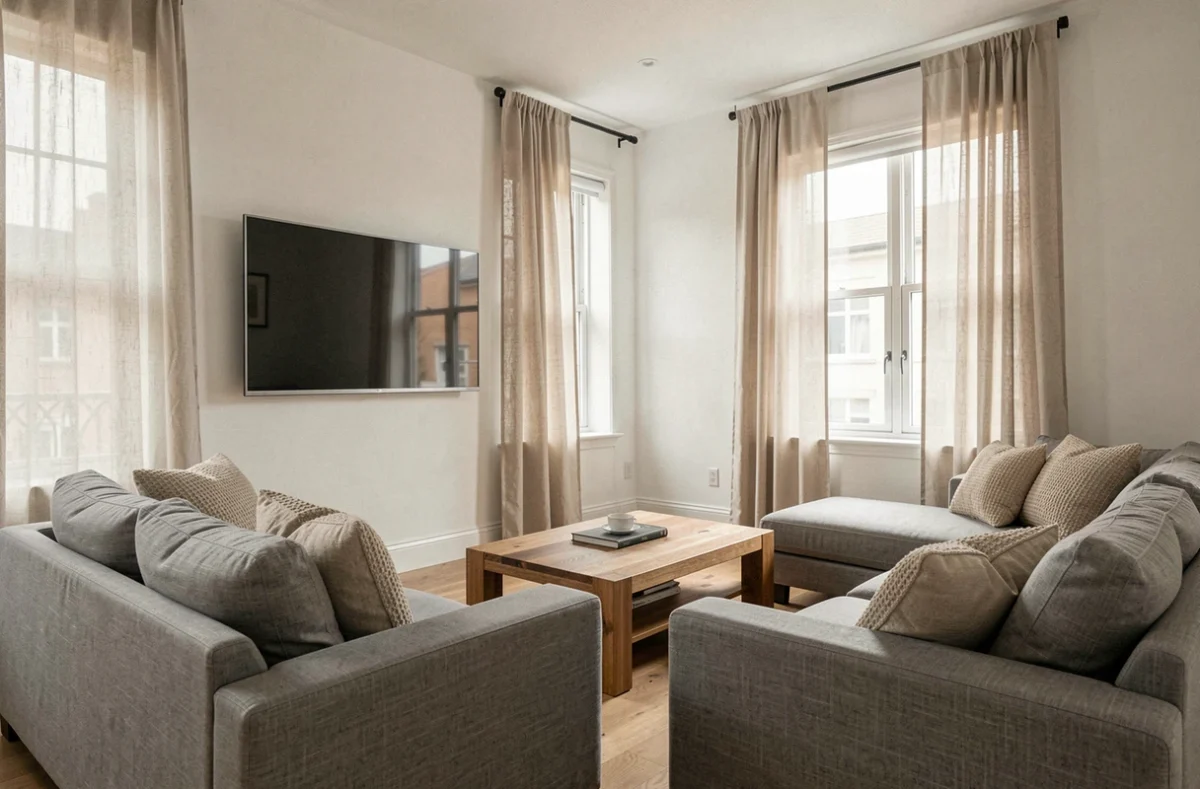
A TV placed opposite a window is bound to reflect the outdoor scenery on the screen. This glare affects most living rooms, especially those with large windows. Understanding where the light hitting the screen comes from helps you choose the right wall and orientation without necessarily investing in expensive equipment.
How the angle of incidence affects light on a TV screen
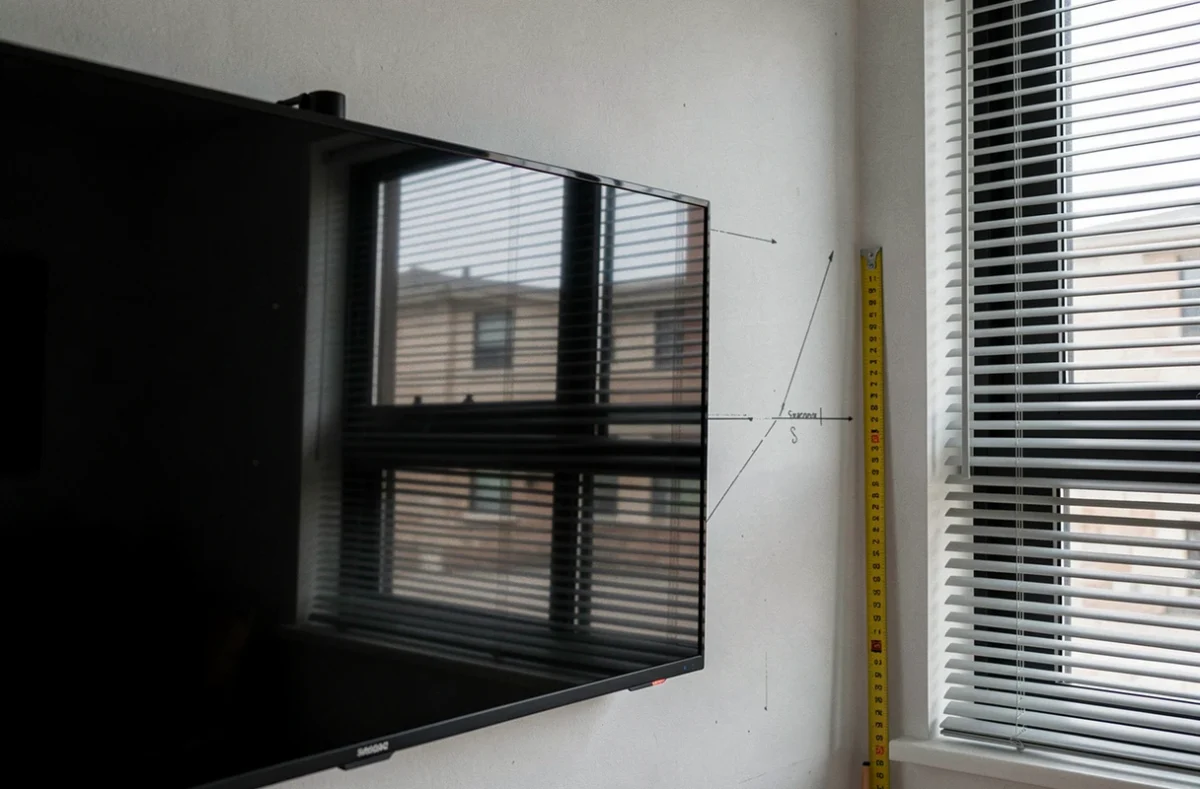
Have you ever noticed a reflection on the screen move when you change seats on the sofa? That’s the angle of incidence at work. Light entering through a window bounces off the screen at the same angle. If the window is directly opposite the TV, the reflection shines straight into the eyes of someone sitting in the middle of the room.
The window isn’t the only potential problem. A poorly positioned living room lamp, a pendant light above the coffee table, or even a light-colored wall reflecting daylight can create bright spots on the screen. Before moving the TV, it’s worth sitting in your usual spot, turning off the screen, and looking for bright areas on its black surface.
A practical guide explains where to place your TV in relation to windows, covering the most common room layouts. The basic principle is simple: positioning the screen perpendicular to the main light source significantly reduces reflections.
Positioning your TV perpendicular to the windows: the setup that makes all the difference
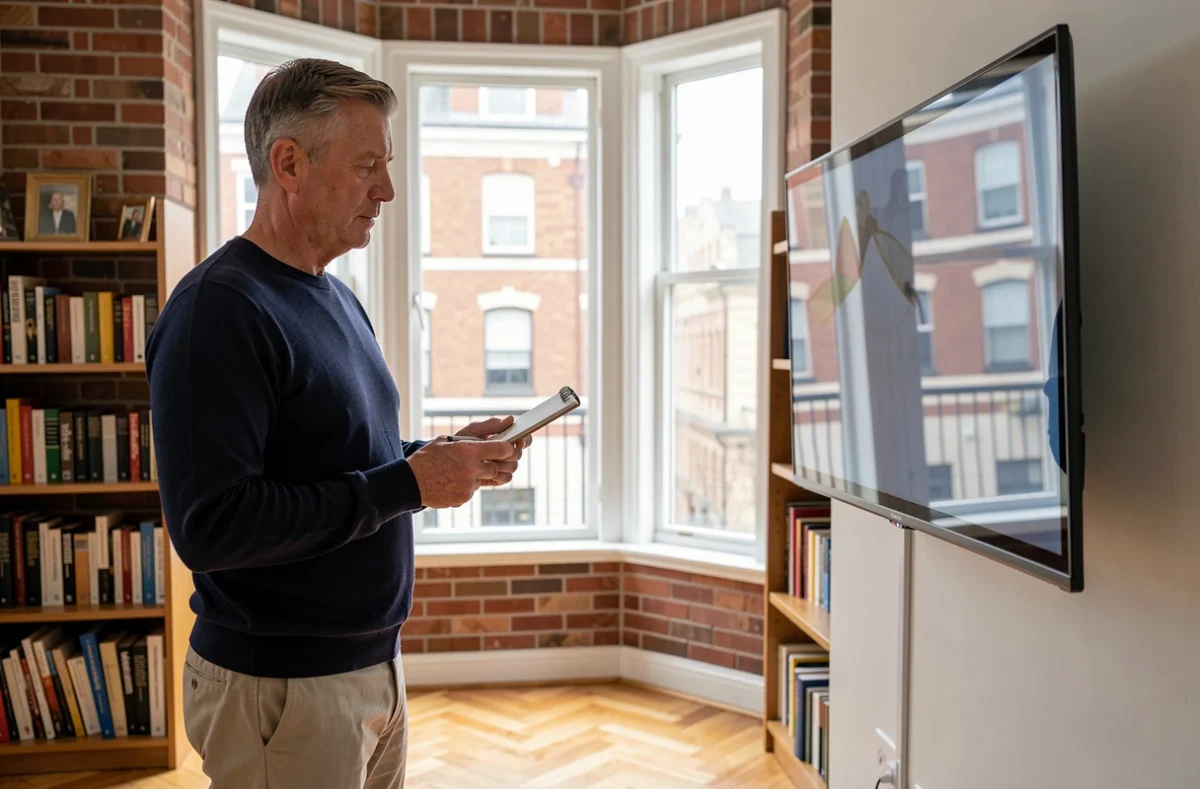
The best wall for mounting or placing a TV is the one at a right angle to the main window. In this position, daylight passes in front of the screen instead of reflecting off it. Viewers can watch without having the sun behind them or directly in front of them.
For example, if your living room window is on the west wall, the TV should go on the north or south wall. The sofa can then sit against a solid wall, which also helps limit eye-straining backlight.
What to do in a living room with multiple windows
In an open-plan room with two or three windows, it’s sometimes impossible to find a wall perpendicular to every light source. In that case, prioritize the largest window or the one facing south, as it lets in the most intense light. Positioning the screen perpendicular to this dominant window solves most of the problem.
A corner can be your ally in these tricky layouts. Placing the TV diagonally in a corner helps keep it away from both light sources at once. The viewing angle remains comfortable, while the screen’s natural tilt helps reduce reflections from the sides.
Choosing blinds and curtains to reduce reflections on your TV
Moving the TV isn’t always an option. If the aerial socket, TV stand layout, or size of the living room dictates where it has to go, controlling incoming light becomes the main solution.
Not all blinds are equally effective for this purpose. Here are the best options, ranked by how much light they filter:
- Screen blind (or solar shade): It lets some light through while blocking direct sunlight. You can still see outside, and the screen remains easy to view during the day. It’s the best compromise for a bright living room.
- Light-filtering roller blind: It diffuses light evenly without plunging the room into darkness. It won’t eliminate reflections completely, but it turns them into a uniform haze that’s less distracting than a sharp bright spot.
- Blackout curtain: It blocks out all light. Effective for watching a film in the middle of the afternoon, but it turns the living room into a dark room. Best reserved for extended viewing sessions.
The right choice depends on how you use your TV. If it’s on in the background during the day, a screen blind is more than enough. For a movie night with a large window facing the setting sun, blackout curtains are the better option.
Screen finish and brightness: what the TV itself can do
TV placement and blinds address the source of the problem. The screen itself determines how it handles any remaining light. Two features matter here.
The first is the screen finish. A glossy screen produces sharp reflections, almost like a mirror. A matte screen diffuses light instead of reflecting it, turning a distinct reflection into a soft halo that’s much less distracting.
Recent TVs with anti-reflective coatings reduce glare even further. User reports on recent OLED models show that windows can sometimes still appear as bright patches when the screen is off, but have much less impact on the picture when the TV is on.
The second feature is screen brightness. A very bright screen can better compensate for ambient light. However, a bright screen with a reflective surface is still difficult to watch. These two factors should be considered together, not separately.
Adjusting automatic brightness
Most recent TVs have an ambient light sensor. It adjusts picture brightness to match the lighting in the room. Turning this feature on helps prevent the picture from looking too dark during the day or too harsh in the evening. You’ll usually find the setting under Picture settings, with a name such as “adaptive brightness” or “light sensor.”
TV placement, the type of blind, and the screen’s features all work together. Adjusting just one of these can help, but combining them is what truly eliminates distracting reflections. A screen positioned perpendicular to the main window, paired with a screen blind, works for most living room layouts without requiring renovations or a significant budget.